Introduce to Framer
The Prototype Framework
Why Prototype?
Explore and invent new interactions
Define how designs feel
Effectively communicate concepts
Framer
Framer.js
Framer Studio
Basics
Framer.js
Framer started as an open source JavaScript framework, alongside a standalone importer application.
Framer Studio
Built-in Code Editor
Instant Visual Feedback
Integrated Importing
Presentation Modes
Framer Studio
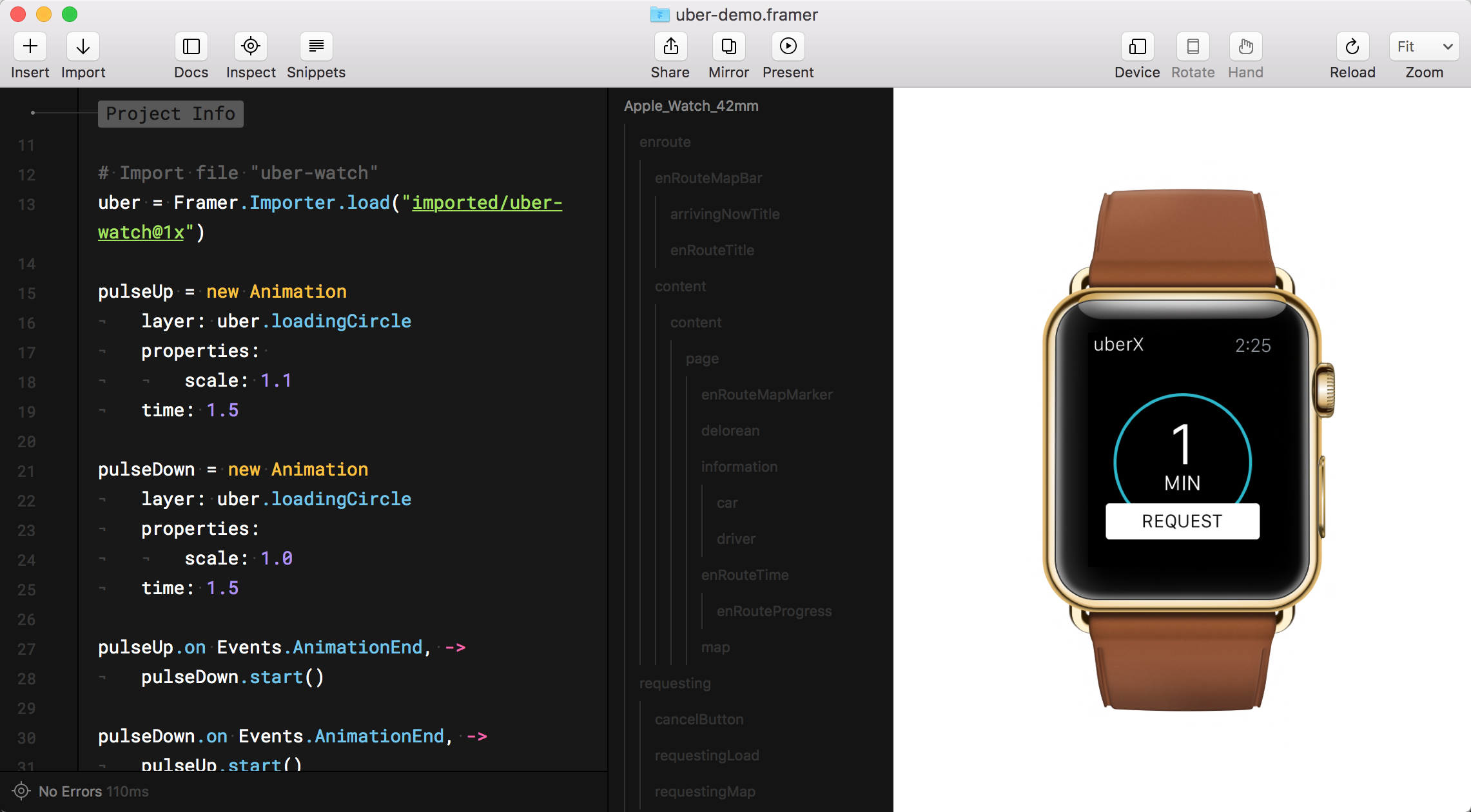
Framer Studio
Sketch
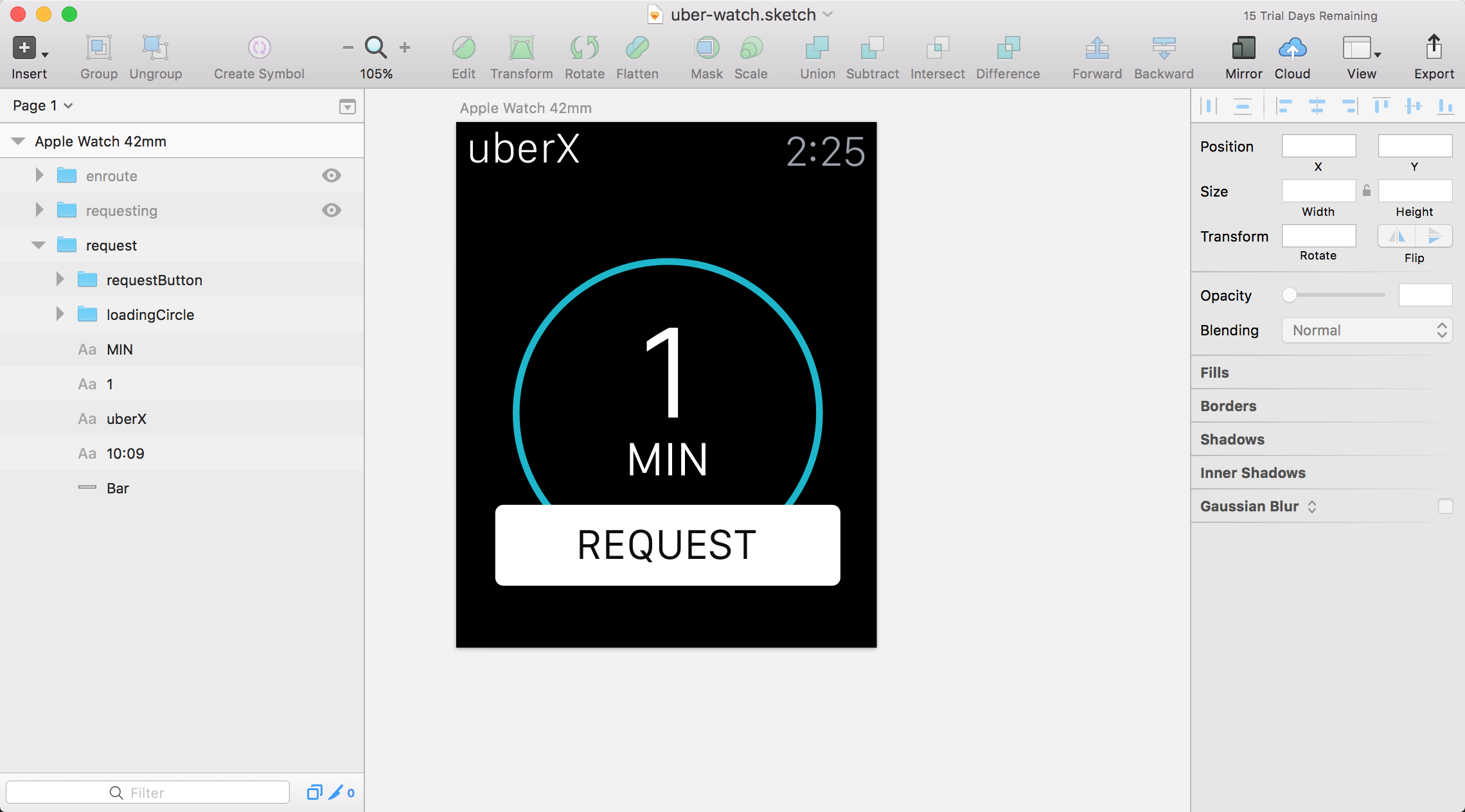
Some basics to get started
Coffeescript
Layers, Animation, States, Events
Coffeescript
# 赋值:
number   = 42
opposite = true

# 函数:
square = (x) -> x * x

# 条件:
if happy and knowsIt
    clapsHands()
    haChaCha()
else
    showIt()

# 数组:
list = [1, 2, 3, 4, 5]

# 对象:
math =
    root:   Math.sqrt
    square: square
    cube:   (x) -> x * square x
Layer
Properties
Hierarchy
Types
Properties
# Create a layer
layerA = new Layer
    x: 0
    y: 0
    width: 200
    height: 200
    backgroundColor: "#fff"
Hierarchy
# Two ways to define hierarchy
layerB.parent = layerA
layerA.addChild(layerB)

# Place layerB on top
layerB.placeBefore(layerA)
Types
# Image
layerA = new Layer
    image: "images/sea.png"

# Video
layerA = new Layer
    video: "fish.mp4"

# Text
layerA = new Layer
    html: "Hello!"
Animation
Curves
Timing
Chaining
Options
time (in seconds)
curve (ease, spring, bezier)
delay (in seconds)
repeat (amount of times)
colorModel (rgb, hsl, husl)
Curves

# Animate with an easing curve
layerA.animate
    properties:
        scale: 0.75
    curve: "ease"
    delay: 0
    time: 1
Chaining
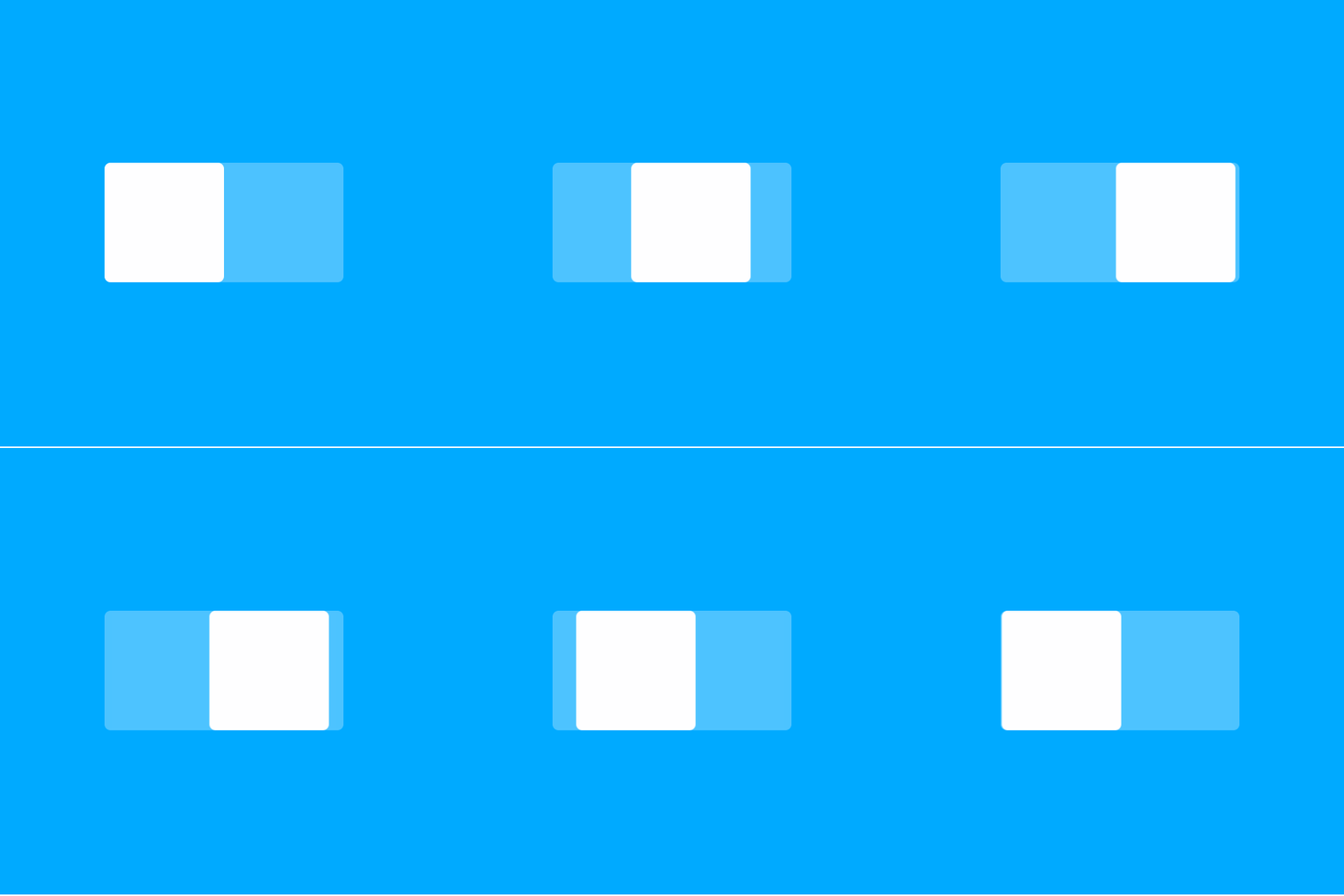
layerA.animate
    properties:
        x: 80
    curve: "ease"

layerA.onAnimationEnd ->
    layerA.animate
        properties:
            x: 0
        curve: "ease"
States
Properties
Add, Remove
Cycle
States
# The default state
layerA = new Layer
    opacity: 1

# A new state titled "fade"
layerA.states.add
    fade:
        opacity: 0

# Switch states with animation
layerA.states.switch("fade")

# Switch states without animation
layerA.states.switchInstant("fade")
Events
Touch, Click
Dragging
Scrolling
Events
layerA.onTap ->
    ...
layerA.onScroll ->
    ...
layerA.onSwipe ->
    ...
layerA.onAnimationEnd ->
    ...